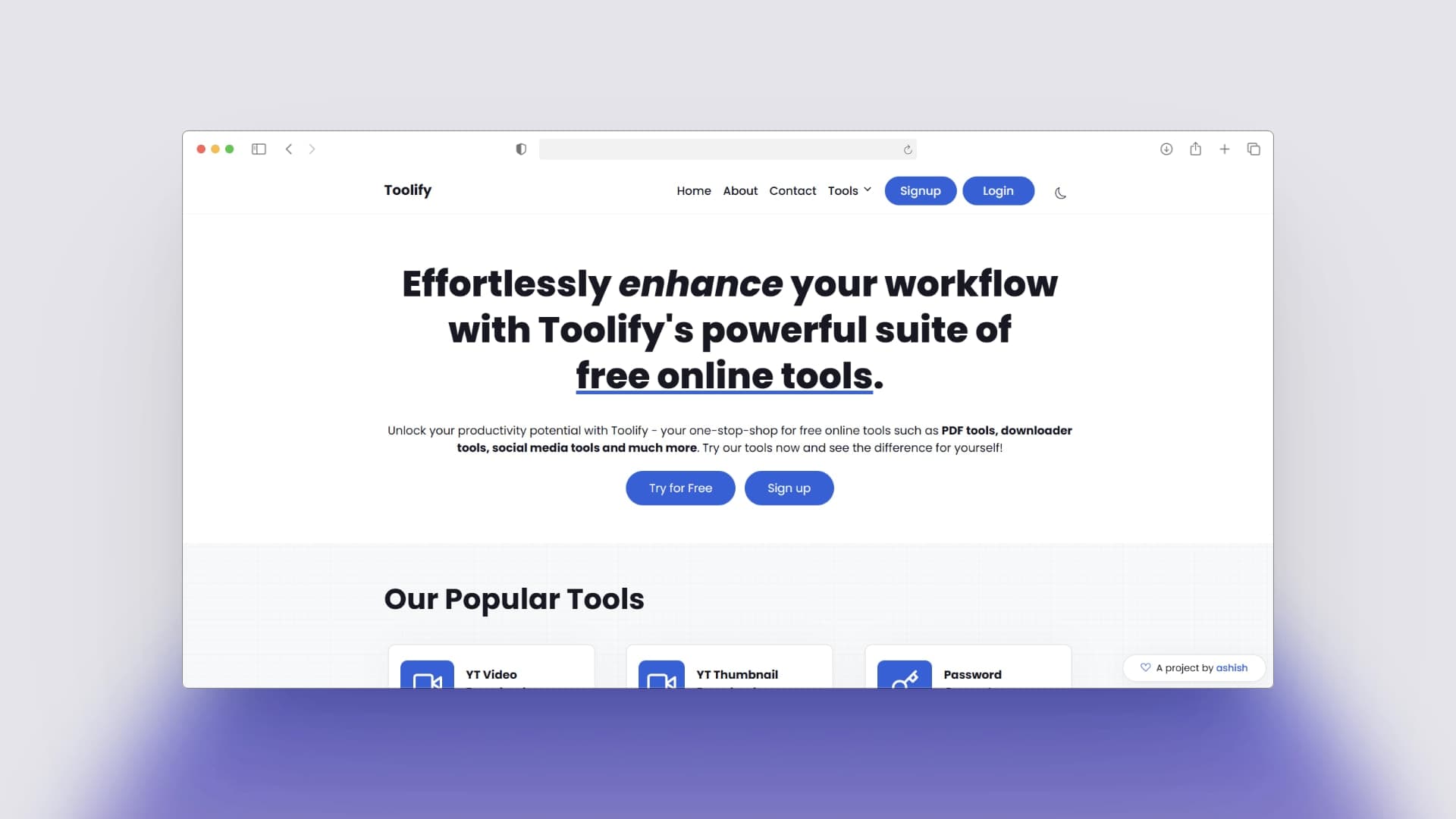
Most toolkits are scattered bookmarks—disorganized, riddled with ads, and frustrating to navigate. Developers and creators don't just need "more tools"; they need a centralized, high-performance ecosystem. I built Toolify to solve this, creating a unified platform where essential tools meet a sleek, high-concurrency architecture.
It’s not just a collection of links; it’s a high-utility engine designed for the modern web.
The "Real" Challenge
Building a single tool is straightforward. Integrating a diverse suite of functionalities—from 4K YouTube video downloading to real-time network diagnostics—into a single, lightweight Django application is where the complexity lies. I needed a system that could handle heavy server-side processing (FFmpeg, Pillow, Speedtest) without sacrificing the "instant" feel users expect from modern web apps.
My mission: Zero-latency navigation, robust file processing, and a dark-mode-first interface that remains readable during late-night coding sessions.
My Approach: Performance x Versatility
1. Server-Side Heavy Lifting with Python
Instead of relying on unstable client-side libraries, I offloaded complex logic to the server. By leveraging Python’s powerful ecosystem (pytube, Pillow, speedtest-cli), Toolify handles heavy processing tasks in the background, delivering only the final result to the user. This ensures a consistent experience across all devices, regardless of local hardware limitations.
2. Streamlining with Django & WhiteNoise
Every millisecond counts. I used Django with WhiteNoise and CompressedStaticFilesStorage to ensure that static assets and tool interfaces load near-instantly. The architecture is designed to handle multiple concurrent file conversions without bottlenecking the main thread.
3. Dynamic Design: Dark Mode by Default
I implemented a robust Dark Mode system using CSS variables and localStorage. This isn't just a "flashy" feature; it's a technical requirement for a workspace that developers use for hours.
// Persistent Dark Mode state for seamless transitions
function toggleDarkMode() {
  body.classList.toggle('dark-mode');
  const isDark = body.classList.contains('dark-mode');
  localStorage.setItem('isDarkMode', isDark);

  // Dynamic icon swapping for visual feedback
  icon.classList.toggle('bi-moon', !isDark);
  icon.classList.toggle('bi-sun', isDark);
}
The "Goodies" (Key Features)
High-Resolution Video Downloader
Integrated with pytube, this tool allows users to fetch videos in multiple resolutions. The system dynamically parses streams to find the highest quality available.
# Extracting the best quality stream for the user
def yt_video_downloader(request):
    if request.method == 'POST':
        link = request.POST['link']
        video = YouTube(link)
        stream = video.streams.get_highest_resolution()

        return render(request, 'download.html', {
            'download_url': stream.url,
            'filename': f"{video.title}.mp4",
            'thumbnail': video.thumbnail_url
        })
Instant Image Matrix
Using Pillow and memory buffers (io.BytesIO), Toolify performs on-the-fly image conversions (PNG to WebP, JPG to PNG) without ever writing intermediate files to disk, maximizing security and speed.
Live Network Diagnostics
A robust speed test implementation using speedtest-cli, providing users with real-time download and upload metrics directly in their browser.
What I Learned
Toolify pushed me to treat "utility" as a design challenge. It proved that you can integrate heavy Python backend logic with a modern, responsive frontend (Tailwind CSS-inspired) while maintaining a playful, sleek brand identity.
The result? A platform that isn’t just technically robust—it’s a toolkit creator actually want to use every day.